



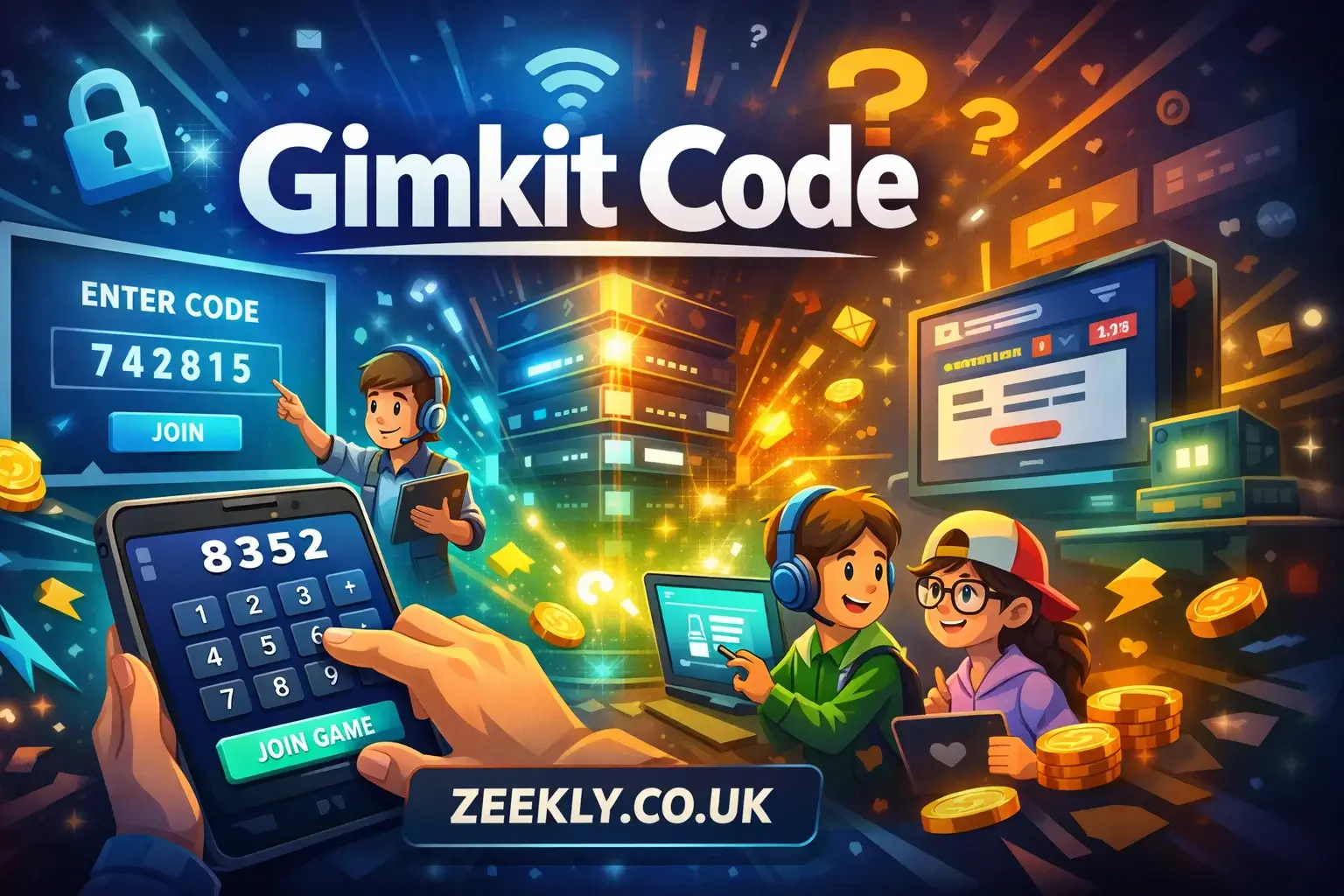
Gimkit has become a revolutionary tool in classrooms and virtual learning, turning quizzes and assignments into interactive games. At the core of its fun and engaging system is the Gimkit code — a unique identifier that allows students to join live game sessions. This code is more than just a series of numbers; it ensures security, privacy, and smooth access for players. Without a code, students cannot participate in a session, which makes understanding how to use it essential for both teachers and learners.
Entering the code correctly allows students to compete, earn in-game currency, unlock rewards, and participate in collaborative or competitive learning activities. Teachers benefit from the code system because it controls access, prevents disruptions, and ensures every participant is authorized. This article will guide you through everything about Gimkit codes — what they are, how to use them, common issues, hosting games, tips for students, and best practices to maximize the learning experience.
1. What Is a Gimkit Code?
A Gimkit code is a unique, temporary code created for a specific game session. It usually consists of six characters — letters, numbers, or a combination. This code functions as a digital key, allowing only authorized participants to join a particular game. It is generated by the host, typically a teacher or facilitator, and is active only for the duration of the session. Once the game ends, the code becomes invalid, which ensures that old sessions cannot be accessed later.
The primary purpose of the Gimkit code is to protect the integrity of the game. It ensures that only students or invited participants can enter, maintaining fairness and preventing unauthorized access. Codes are simple, quick to enter, and avoid the need for lengthy login processes, making them accessible for all types of learners, including those using tablets, laptops, or smartphones.
2. Why Gimkit Uses Codes
Gimkit codes are essential for several reasons:
-
Security: Only authorized participants can enter a game session. This prevents outsiders from joining or disrupting the game.
-
Privacy: Codes help keep classroom activities private. Each session is exclusive to students with the code.
-
Session Management: Teachers control when games start and end. The code automatically expires after the session, preventing continued access.
-
Ease of Use: Students don’t need accounts or emails to join; they simply enter the code to participate.
Overall, codes make the platform safe, controlled, and user-friendly, ensuring both educators and students have a smooth gaming experience.
3. How to Join a Gimkit Game Using a Code
Joining a game with a code is straightforward. Here’s a step-by-step guide for students:
Step 1: Receive the Code
Your teacher or host will provide the Gimkit code. It may be displayed on a board, shared through a messaging app, or sent via email. Always ensure you get the correct code from a reliable source.
Step 2: Open the Join Page
Open a browser on any device and navigate to the Gimkit join page. The platform works on desktops, tablets, and smartphones.
Step 3: Enter the Code
Type the 6-character code exactly as provided. Pay attention to uppercase and lowercase letters, as codes can be case-sensitive.
Step 4: Enter Your Name
Most games require you to enter a name or nickname. This helps the teacher track scores and organize participants.
Step 5: Start Playing
Once you enter the code and your name, you’ll join the game lobby. When the host starts the session, you can begin answering questions, earning virtual currency, unlocking power-ups, and competing with classmates.
4. Alternative Ways to Join a Game
Some teachers may provide a direct link to the session. Clicking this link automatically takes students to the game, bypassing the need to manually enter a code. This is particularly useful for younger students or virtual classrooms where typing errors could prevent joining. Despite this, the code remains the standard method to join games and ensures each session is secure.
5. Common Issues with Codes
Sometimes, students might face problems while using a code. The most common issues include:
-
Expired Codes: Codes only work while the session is active. Once the game ends, the code becomes invalid.
-
Incorrect Entry: Typing errors, extra spaces, or wrong characters can prevent access. Double-check the code before entering.
-
Session Not Started: If the host hasn’t started the game yet, the code may not work until the session begins.
-
Third-Party Code Generators: Avoid unofficial tools that claim to generate codes, as they are unsafe and unreliable.
If a code doesn’t work, the best solution is to confirm the code with your teacher or host and ensure the session is currently active.
6. Hosting a Gimkit Game and Generating a Code
Teachers or hosts create Gimkit codes when they start a new game session. Here’s how the process works:
-
Log in to the Gimkit platform.
-
Select a kit or quiz you want students to play.
-
Choose to host a game, either live or in a timed mode.
-
Set game preferences such as time limits, question order, and point multipliers.
-
Generate the code. Gimkit automatically creates a unique, six-character code for the session.
-
Share the code with students through any communication channel, such as in-class announcements, chat, or email.
Hosting games with codes ensures that only invited participants can join. It also gives teachers control over the learning environment and makes tracking progress straightforward.
7. Game Modes and Code Usage
Gimkit offers multiple game modes including:
-
Classic Mode: Standard question-and-answer game where players earn currency.
-
Team Mode: Students form groups and compete collectively.
-
Live Mode: Real-time competition with a countdown timer.
-
Theme Modes: Custom games based on specific topics or seasons.
No matter the mode, the code is required to enter the session. This ensures fairness, prevents random participants from disrupting gameplay, and maintains an organized environment for all players.
8. Tips for Students
To ensure smooth entry and gameplay, students should follow these tips:
-
Double-check the code before entering. Even one incorrect character can prevent access.
-
Scan QR codes if the teacher provides them. This allows instant access without typing.
-
Use a stable internet connection to avoid disconnections during gameplay.
-
Only share codes with authorized participants to prevent unauthorized access.
-
Join early to get settled in the game lobby before it starts.
These small steps ensure a hassle-free gaming experience and help maximize learning through engagement.
9. Mistakes to Avoid
-
Adding extra spaces before or after the code.
-
Entering codes after the session ends.
-
Using unofficial code generators or sharing codes publicly.
-
Ignoring teacher instructions about the correct method to join the session.
Avoiding these mistakes keeps your access smooth and maintains the integrity of the classroom game.
10. Benefits of Using Gimkit Codes
Gimkit codes are more than just access tools; they provide several educational benefits:
-
Controlled Learning Environment: Only students in the class can join, reducing distractions.
-
Enhanced Engagement: Students focus on the game and learning simultaneously.
-
Fair Competition: Codes prevent random participants from affecting game results.
-
Efficient Management: Teachers can manage multiple sessions easily without confusion.
-
Easy Access: Quick entry without complex login processes encourages participation from all students.
By using codes correctly, both students and teachers enjoy an organized, interactive, and fun learning experience.
Read More: Understanding Social Media Girls Forums — Reality, Risks, and Responsible Engagement
Conclusion
Gimkit codes are essential for unlocking the platform’s interactive learning experience. They provide security, privacy, and easy access for students while allowing teachers to manage game sessions efficiently. Using a code correctly ensures students can participate in quizzes, earn in-game rewards, and collaborate or compete with classmates in a fair environment. Teachers benefit by controlling who joins, tracking progress, and keeping sessions organized. Codes are temporary and unique for each session, which helps maintain classroom order and prevents unauthorized access.
Understanding how to enter a code, troubleshooting common issues, and following best practices can make the experience smooth and enjoyable for everyone. Whether you are a student joining a game for the first time or a teacher hosting a session, knowing how to use a Gimkit code properly enhances engagement, learning retention, and fun. By following these guidelines, Gimkit can become a powerful tool for interactive education.
FAQs
1. What is a Gimkit code?
A Gimkit code is a unique, temporary code that allows students to join a specific game session. It ensures that only authorized participants can access the game.
2. How do I enter a Gimkit code?
Go to the Gimkit join page, enter the code exactly as given, input your name, and you will be placed in the game lobby.
3. Can I join a Gimkit game without a code?
No. Each game requires a unique code or a direct link provided by the host. Codes are necessary for security and privacy.
4. Do Gimkit codes expire?
Yes. Codes are active only while the session is live. After the game ends, the code becomes invalid.
5. Are there free or universal Gimkit codes?
No. Every game session generates a unique code. Attempting to use a universal code is unreliable and unsafe.